Integrated User Interface (UI)
Prevail supports Zoom Meetings through an integrated user interface (UI) that combines the Zoom client with the Prevail Session toolbar and panels. Participants joining through Zoom see the standard Zoom interface without changes.
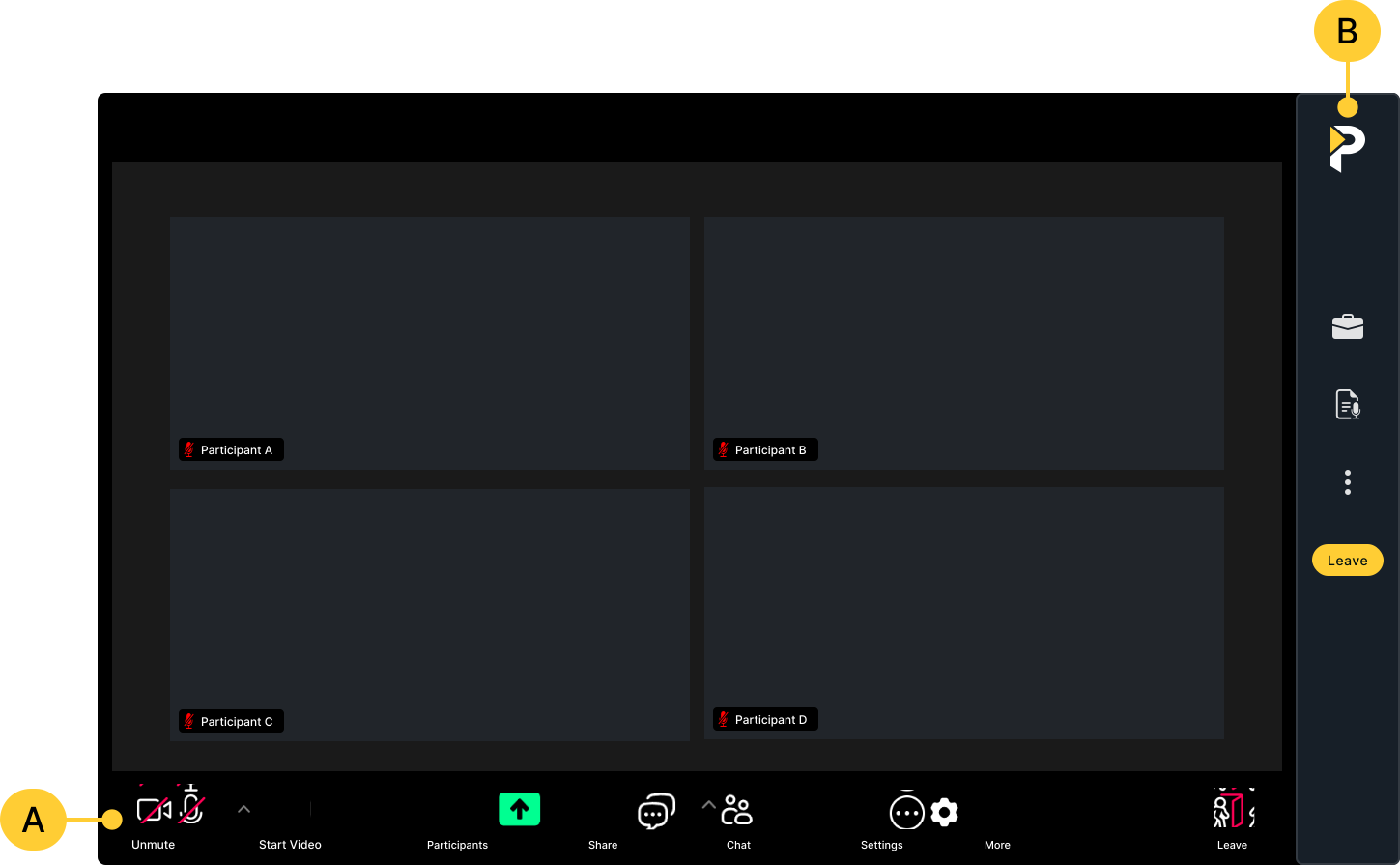
BPrevail Session Sidebar
Zoom Client Toolbar
The integrated Zoom toolbar provides additional functionality to Prevail Sessions and includes familiar Zoom application controls. Use the toolbar to access Chat, reactions, video and microphone settings, screen share, and participant options. To learn more about the Zoom toolbar, visit Zoom Support.
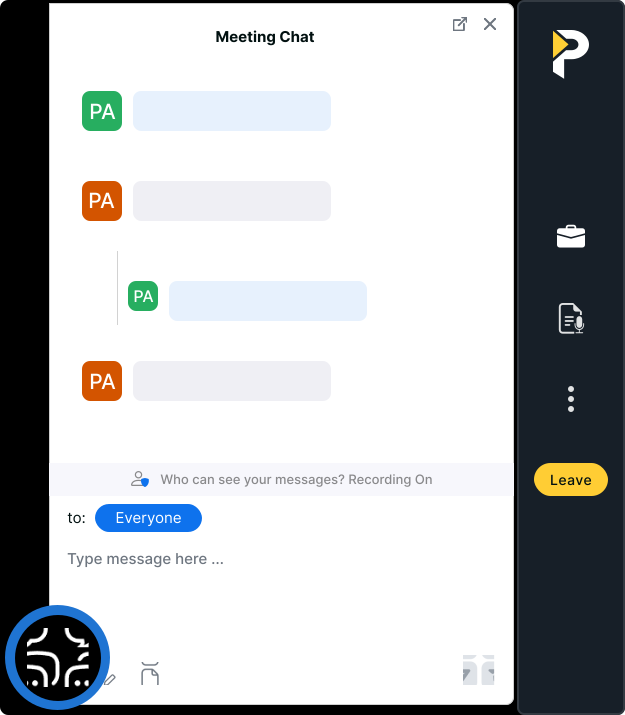
Zoom Chat
Zoom Chat is available to both Prevail and Zoom participants and supports group messages, private messages, and file sharing. All Session participants can access files uploaded to Chat.
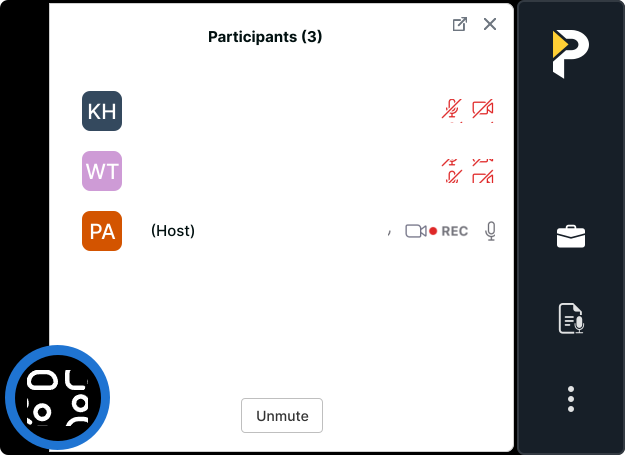
Participant Menu
The Zoom Participant menu displays all participant names and provides options to pin video tiles, mute participants, and adjust camera or participant settings. The menu is available to both Prevail and Zoom users.
Prevail Sidebar
The Prevail sidebar provides Prevail users access to the Session Files panel and AI Transcript.
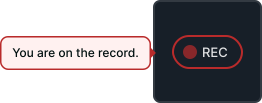
Recording Indicator
The recording icon indicates whether the Session is officially on or off the record.
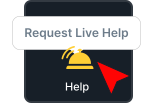
Help Bell
Use the Help Bell to request live technical support.
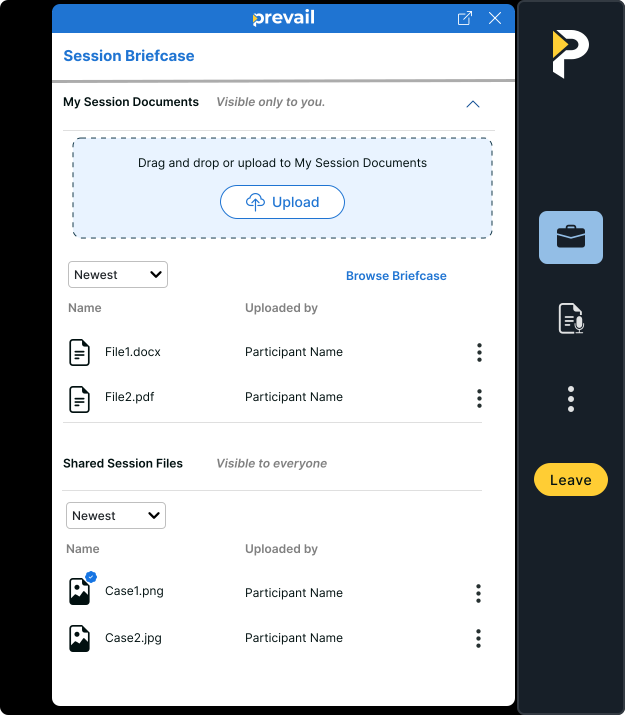
Session Files
The Session Files panel is available to all Prevail users and offers the same functionality and features as it does in standard Prevail Sessions. Prevail participants can upload and introduce files to share them with the Session. Participants can also present shared files that are then saved to the record, or present off-record to prevent the file from being saved or distributed. Shared files and presentations are available for viewing and download in Session Review after each Session.
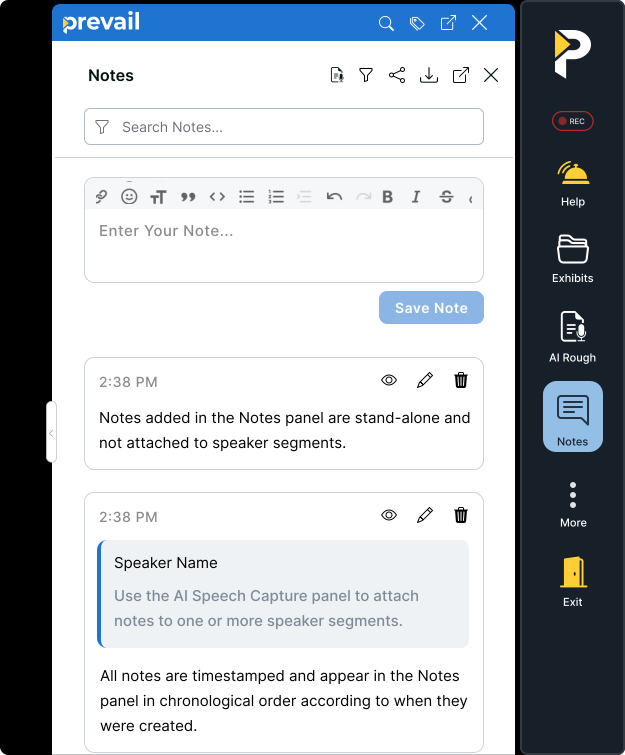
Session Notes
The Notes panel is available to all Prevail users and offers the same functionality and features as it does in standard Prevail Sessions.
AI Transcript
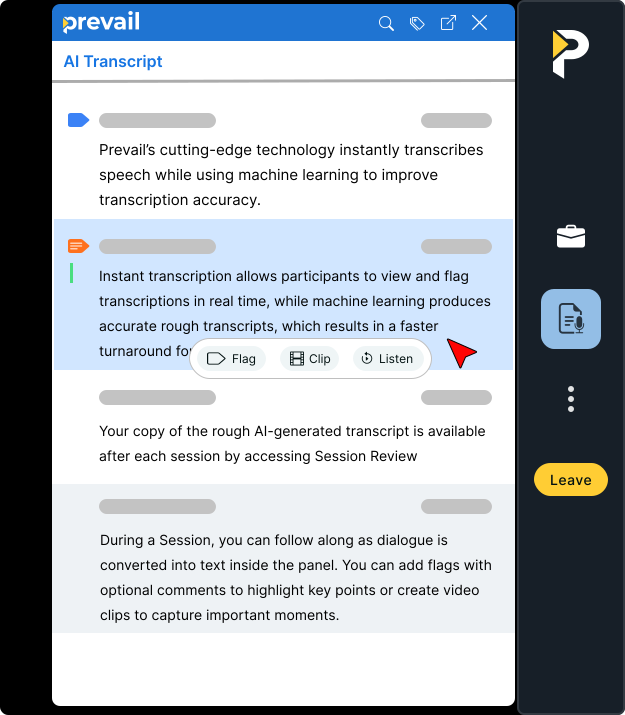
The AI Transcript is available to all Prevail users and offers the same functionality and features as it does in standard Prevail Sessions.